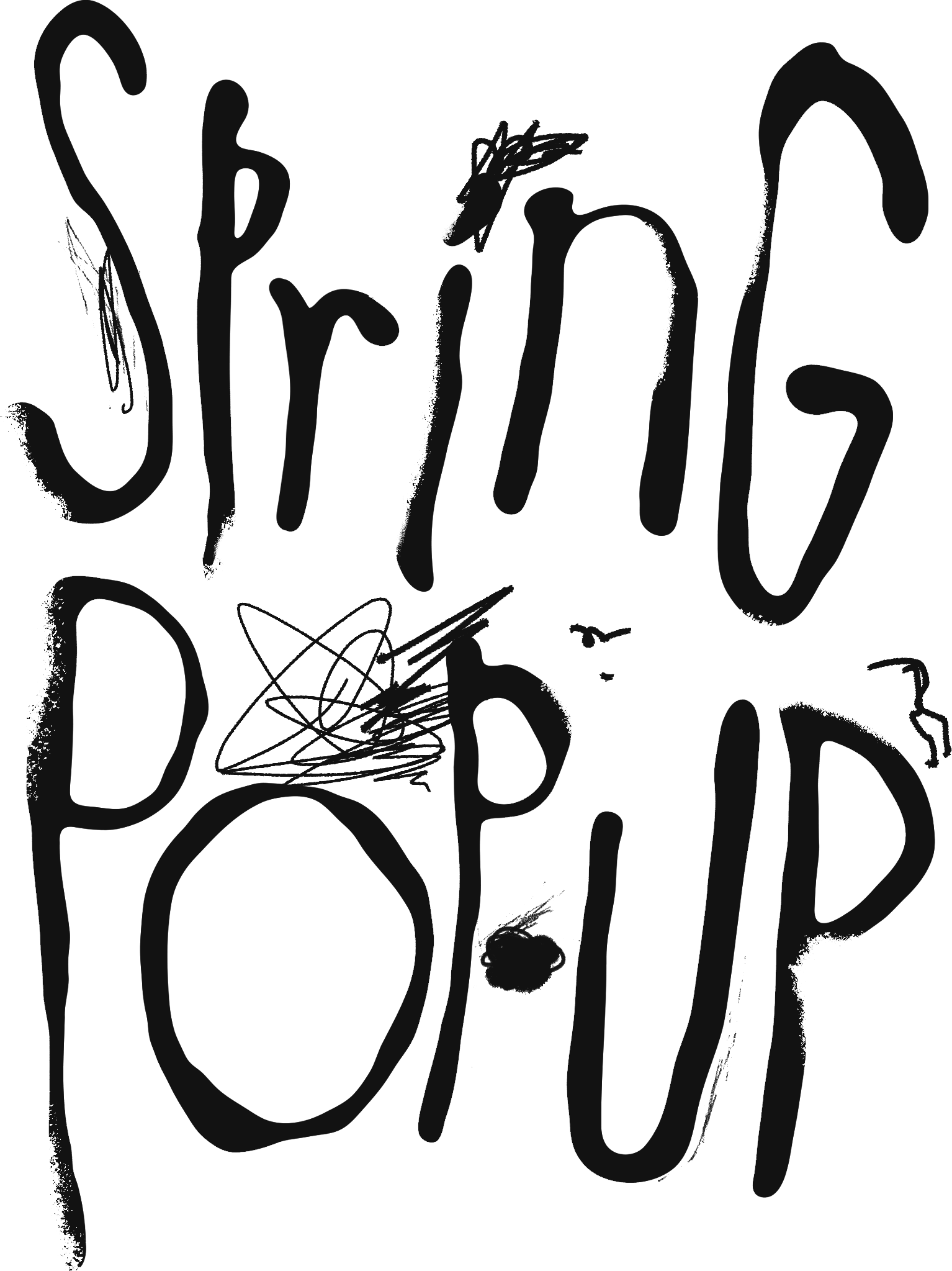
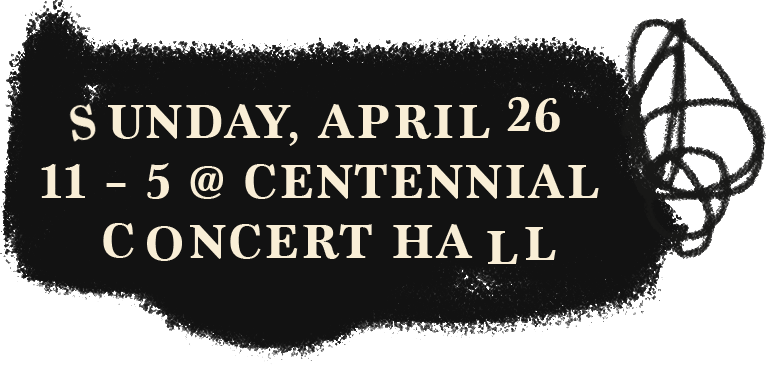
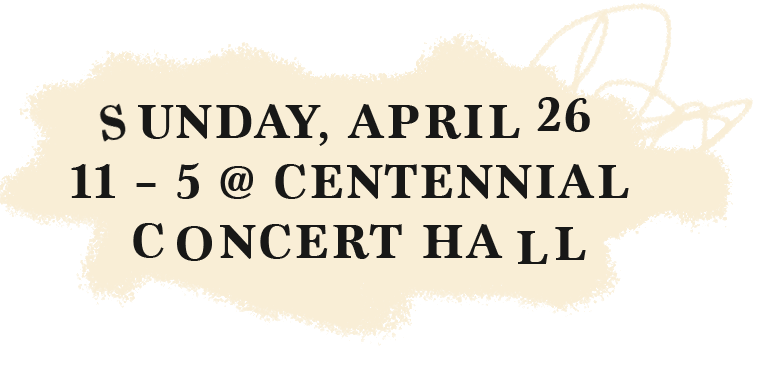
Try using some of our LuckyGirl assets below to make your own Instagram post :)
To utilize these assets, please follow these simple steps:
On your phone, hold selected asset and ‘Save to Photos’
Open Instagram and select your business’ promotional photo, product shot, lifestyle shot, BTS, selfie, etc. (Be sure to enlarge your photo to 4:5 is you’re using one of the frame assets below)
Select ‘Next’ and then choose the ‘Overlay’ option from the bottom menu
From your Photo Album, select the LuckyGirl elements you wanna to collage onto your promotional photo
That’s it!
NOTE! Do this if an element is showing up with a white background:
From this page, hold selected asset and ‘Copy’ asset in question
In the app, tap on your post to open the text overlay
‘Paste’ directly into the text overlay